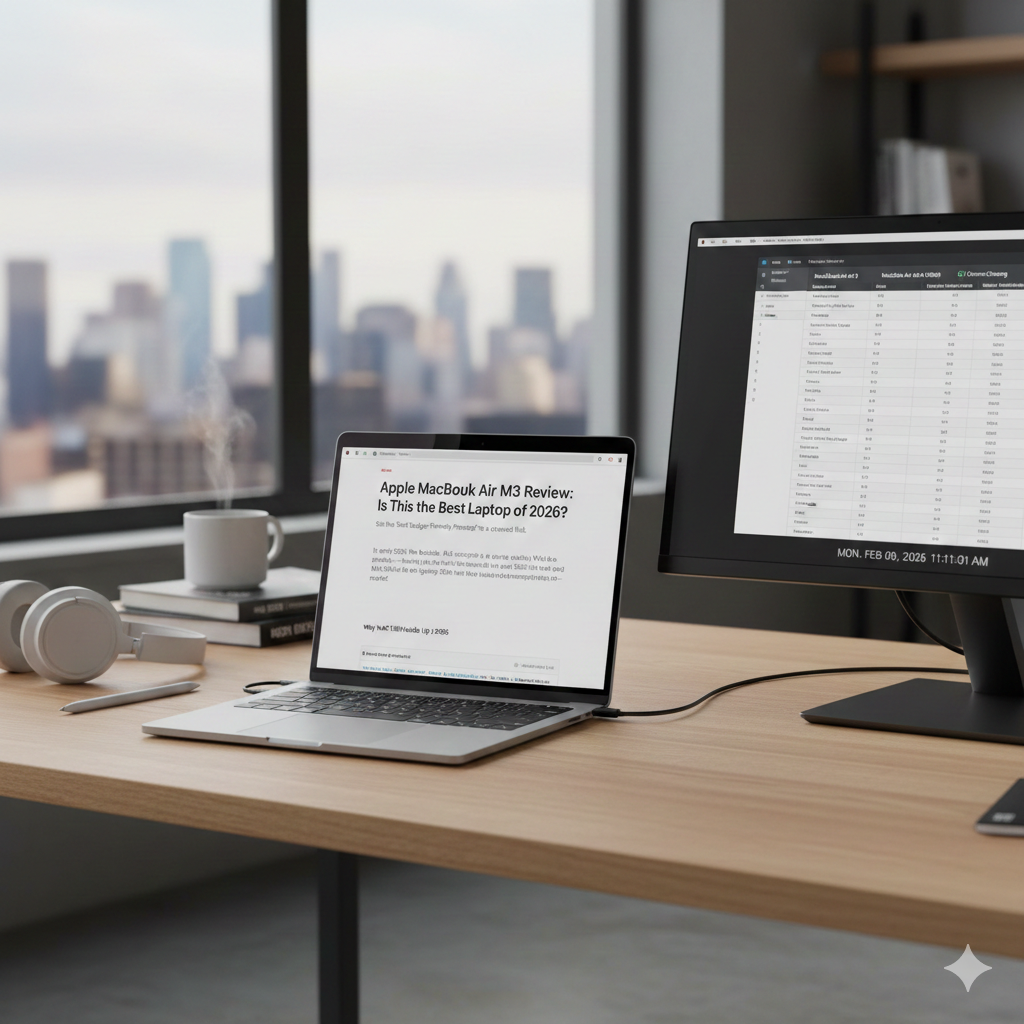
Apple MacBook Air M3 Review: Is This the Best Laptop of 2026?
In the world of consumer laptops, the MacBook Air has long held the crown as the default recommendation for students, writers, and business professionals. It established a legacy of being thin, light, and surprisingly powerful. With the release of the MacBook Air M3 (2024/2025 Model), Apple hasn’t just updated the chip; they have refined what was already a near-perfect machine.
But as we move further into 2026, the question remains: Is the MacBook Air M3 still the undisputed king of laptops, or has the Windows competition finally caught up?
In this detailed review, we will dive deep into the design, the capabilities of the M3 chip, battery life, and most importantly—whether the price tag in Europe and global markets is justified.
1. Design and Build: The Industrial Standard
Apple finally bid farewell to the iconic wedge shape with the M2, and the M3 continues with the uniform, flat chassis that mirrors the MacBook Pro lineup. It feels modern, utilitarian, and incredibly premium.
-
The Chassis: Built from 100% recycled aluminum, the device feels sturdy yet impossibly light. The 13-inch model weighs just 2.7 lbs (1.24 kg), while the 15-inch variant sits comfortably at 3.3 lbs (1.51 kg). It disappears into a backpack, making it the ultimate travel companion.
-
Color Options: It comes in four finishes: Midnight, Starlight, Space Gray, and Silver.
-
The Fingerprint Fix: The standout design update isn’t visible to the naked eye. The “Midnight” (dark blue) color on the previous M2 model was a notorious fingerprint magnet. With the M3, Apple introduced a new anodization seal to reduce smudges. While it’s not completely fingerprint-proof, it is a massive improvement over the previous generation.
2. Display: Liquid Retina Brilliance
The MacBook Air M3 sports a Liquid Retina Display that is vibrant, sharp, and punchy.
-
Brightness & Color: With 500 nits of brightness, the screen is easily usable outdoors or in brightly lit cafes. It supports the P3 Wide Color gamut, meaning photos and videos look true-to-life with excellent saturation.
-
The Notch: Yes, the notch is still there housing the webcam. While it was controversial at first, it largely blends into the menu bar. After a day of use, you genuinely stop noticing it.
-
Refresh Rate: One global critique remains—the screen is still capped at 60Hz. In an era where even mid-range smartphones and Windows laptops feature 120Hz screens, Apple’s omission of “ProMotion” technology on the Air is a disappointment for tech enthusiasts, though the average user might not mind.
3. Performance: The Power of 3 Nanometers
The star of the show is the M3 Chip. Built on the cutting-edge 3-nanometer architecture, this chip brings significant efficiency and speed gains over the M1 and M2.
Daily Tasks
For web browsing, document editing, and streaming, the M3 is overkill. It opens apps instantly and handles dozens of Chrome tabs without stuttering. It is a seamless experience that Windows laptops often struggle to replicate on battery power.
Gaming & Ray Tracing
For the first time, Apple has brought Hardware-Accelerated Ray Tracing and Mesh Shading to the MacBook Air.
Is it a gaming laptop? No. However, titles like Death Stranding, Resident Evil 4, and Baldur’s Gate 3 are genuinely playable on this thin-and-light machine. This was unheard of for a MacBook Air just a few years ago.
Thermal Throttling (The Fanless Design)
The MacBook Air has no fans. It is completely silent, which is a luxury. However, under sustained heavy loads (like rendering 4K video for 30 minutes straight), the laptop will throttle (slow down) to keep cool. For 90% of users, this will never happen, but professionals should keep this in mind.
4. Battery Life: The Industry Leader
If there is one reason to buy this laptop over any competitor, it is battery life.
Apple claims 18 hours of video playback. In real-world mixed usage (writing, Slack, Spotify, and browsing), you can easily expect 13 to 15 hours.
You can leave your charger at home. Whether you are on a long-haul flight from London to New York or sitting in a university lecture hall all day, the MacBook Air M3 simply refuses to die.
Compare this to Windows counterparts like the Dell XPS or HP Spectre, which often lose significant battery performance when unplugged—the MacBook Air performs exactly the same whether it is plugged into the wall or running on battery.
5. Connectivity and The External Monitor Upgrade
Port selection remains minimal, which is typical for Apple.
-
Left Side: MagSafe 3 charging port and two Thunderbolt / USB 4 ports.
-
Right Side: A 3.5mm headphone jack.
The Big Upgrade:
Previously, the M1 and M2 Air could only support one external monitor. The M3 Air now supports two external displays—but there is a catch. You must close the laptop lid (clamshell mode) to use the second monitor. For office workers in Europe who use dual-monitor setups, this is a game-changing feature.
6. Pricing and Configuration (Europe & Global)
Here is where things get tricky. Apple products in Europe and the UK often carry a premium due to VAT and import duties compared to the US market.
Base Model Pricing (Approximate):
-
USA: Starts at $1,099 (excluding tax).
-
Europe (Eurozone): Starts around €1,299 (VAT included).
-
UK: Starts around £1,099 (VAT included).
The “RAM” Controversy
The base model still comes with 8GB of Unified Memory (RAM) and 256GB SSD.
In 2026, 8GB of RAM is borderline insulting for a laptop at this price point. While macOS handles memory very efficiently, if you plan to keep this laptop for 4 or 5 years, we strongly recommend upgrading to 16GB of RAM.
Unfortunately, Apple’s “Unified Memory” is soldered on, meaning you cannot upgrade it later. This upgrade usually costs an additional $200 / €230, which pushes the price into MacBook Pro territory.
7. Verdict: Who Should Buy It?
Buy it if:
-
You are a Student: It is the perfect campus companion. Light, durable, and the battery lasts all day.
-
You are a Writer or Business Pro: The keyboard is fantastic, and the dual-monitor support makes it great for office docks.
-
You value Silence: The fanless design means no whirring noises during meetings or movie nights.
Skip it if:
-
You are a Creative Professional: If you do heavy 3D rendering or complex 4K video editing daily, the MacBook Pro (with fans) is a better investment to avoid throttling.
-
You are on a Budget: There are Windows laptops like the ASUS Zenbook or Acer Swift that offer OLED screens and 16GB RAM for €800-€900.
-
You need Ports: If you hate carrying dongles for HDMI or SD cards, this laptop will frustrate you.
Final Conclusion
The MacBook Air M3 is not a revolution; it is a refinement. It takes everything excellent about the M2—the screen, the chassis, the speakers—and adds the futuristic power of the M3 chip.
For the European and Global market, despite the steep starting price and the stinging cost of RAM upgrades, it remains the best consumer laptop money can buy. It is a machine that you buy today and happily use until 2030.
If you are looking for reliability, battery dominance, and a premium experience, the MacBook Air M3 is the gold standard.